
Looking for the perfect stylish text for your profile? This free Instagram font generator turns your normal text into 29 fancy fonts you can copy and paste anywhere on Instagram. Type your text below and instantly see it in bold, italic, script and many more styles. Tap any style to copy it, then paste it into your bio, captions, comments or username. It is completely free and works on every phone and computer — no app to install.
Tap any style to copy it, then paste it into your Instagram bio, caption or username.
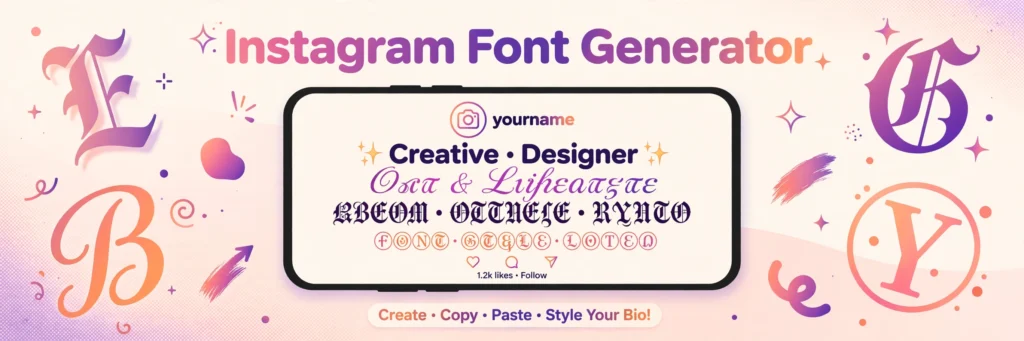
How to Use the Instagram Font Generator
Type or paste your text in the box above. Every font style updates instantly as you type. When you find a style you like, tap it (or press its Copy button) and the styled text is copied. Open Instagram, paste it into your bio, caption, name field or comments, and save. That is all — the fancy letters are real text characters, so they stay styled everywhere.
Why Use an Instagram Font Generator?
Instagram gives every profile the same plain font, so most bios and captions look exactly alike. An Instagram font generator breaks that sameness in seconds: the styled text makes your bio line, your name field and your captions stand out while people scroll. Creators use fancy fonts to highlight a job title, a call to action or a favourite quote, and businesses use them to make offers and contact lines easier to spot. If you want ready-made examples first, our guide to Instagram font styles shows the most popular looks — then come back here, open Instagram, and paste your favourite style straight into your profile.
Best Font Styles for Bios, Captions and Usernames
The styles inside this Instagram font generator cover every mood. Bold and Sans Bold are the safest everyday choices — they stay readable on every phone and work well for bio headlines. Script and Bold Script feel elegant and suit beauty, fashion and wedding pages. Fraktur and Double Struck have a bold, edgy look that gaming and music profiles love. Small Caps and Circled are subtle: they change your text just enough to be noticed without shouting.
Choosing a font is only half the job — the name above it matters too. If your username still has random numbers in it, try our Username Generator for clean, stylish name ideas that match your new look. A clear username plus a styled bio is the combination people remember.
Tips for Using Fancy Fonts Well
Use one or two styles per bio, not five — mixing too many makes a profile look messy. Keep your main line in a readable style like Bold, and save decorative fonts for a single word or line. Always preview your bio on your phone before saving, because a few rare styles show as boxes on very old devices. And never put important words like your business name or contact details in a fragile style; if a phone cannot read it, people cannot use it. Used with a little care, the styles from this Instagram font generator make a profile look polished instead of loud.
Frequently Asked Questions
Is this font generator free?
Yes. It is completely free with no sign-up and no limit on how much text you can convert.
Do these fonts work in Instagram usernames?
Most styles work in your bio, captions and name field. Instagram usernames only allow letters, numbers, periods and underscores, so some symbol styles will not fit a username — use them in your bio or display name instead.
Why do some letters look different on some phones?
These styles use Unicode characters. Almost all modern phones support them, but a very old device may show a box for a few rare styles. Bold, Italic and Script work nearly everywhere.
Which font style is best for an Instagram bio?
Bold, Sans Bold and Small Caps are the best all-round choices for a bio because they render on almost every phone. Script looks beautiful for one short line, such as a name or a quote, but long script text is harder to read.
Can I use this Instagram font generator on my phone?
Yes. The generator works in any mobile browser with nothing to install. Type your text, tap a style to copy it, then paste it into the Instagram app — the whole thing takes under a minute.